Weekend Project: Blood Red Foliage
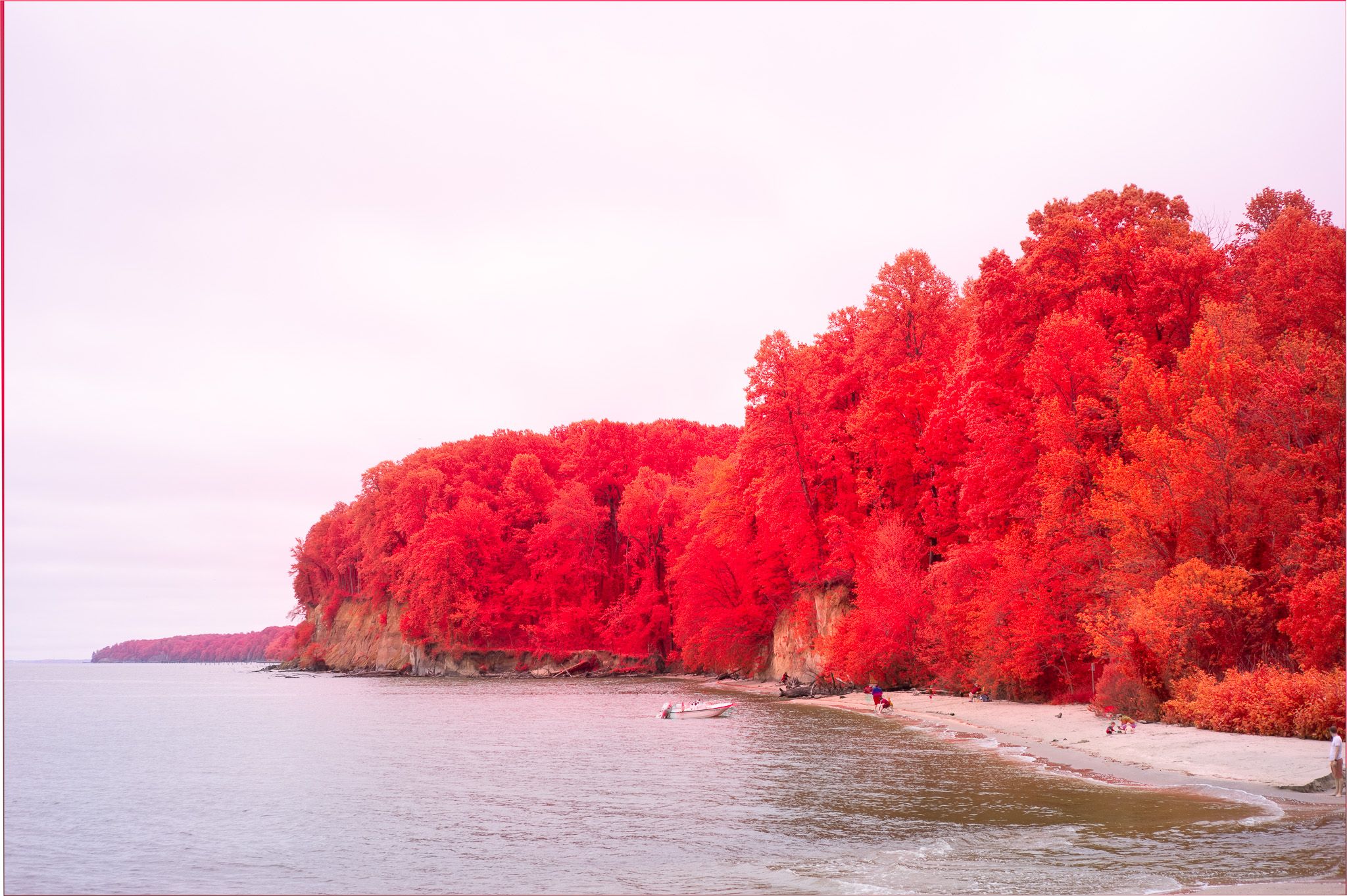
-
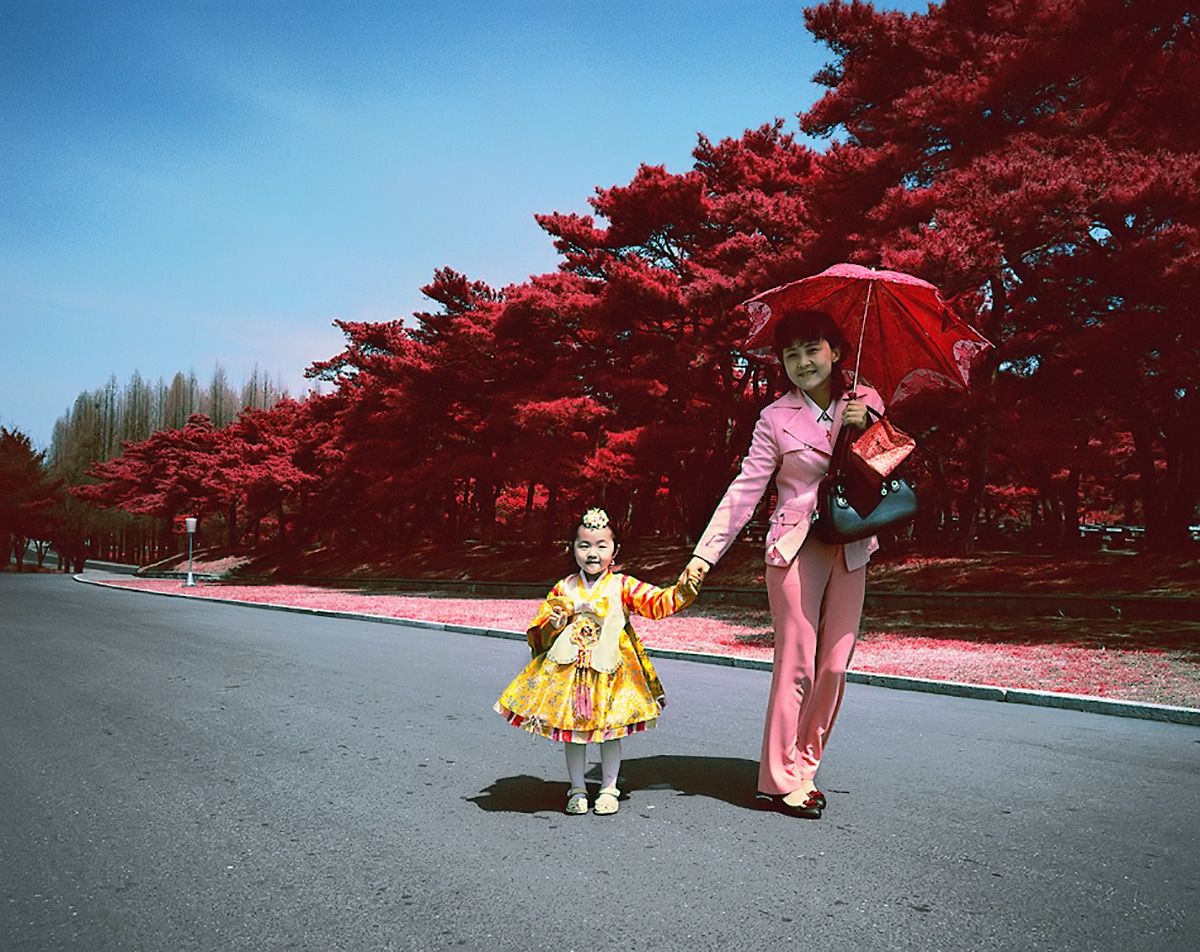
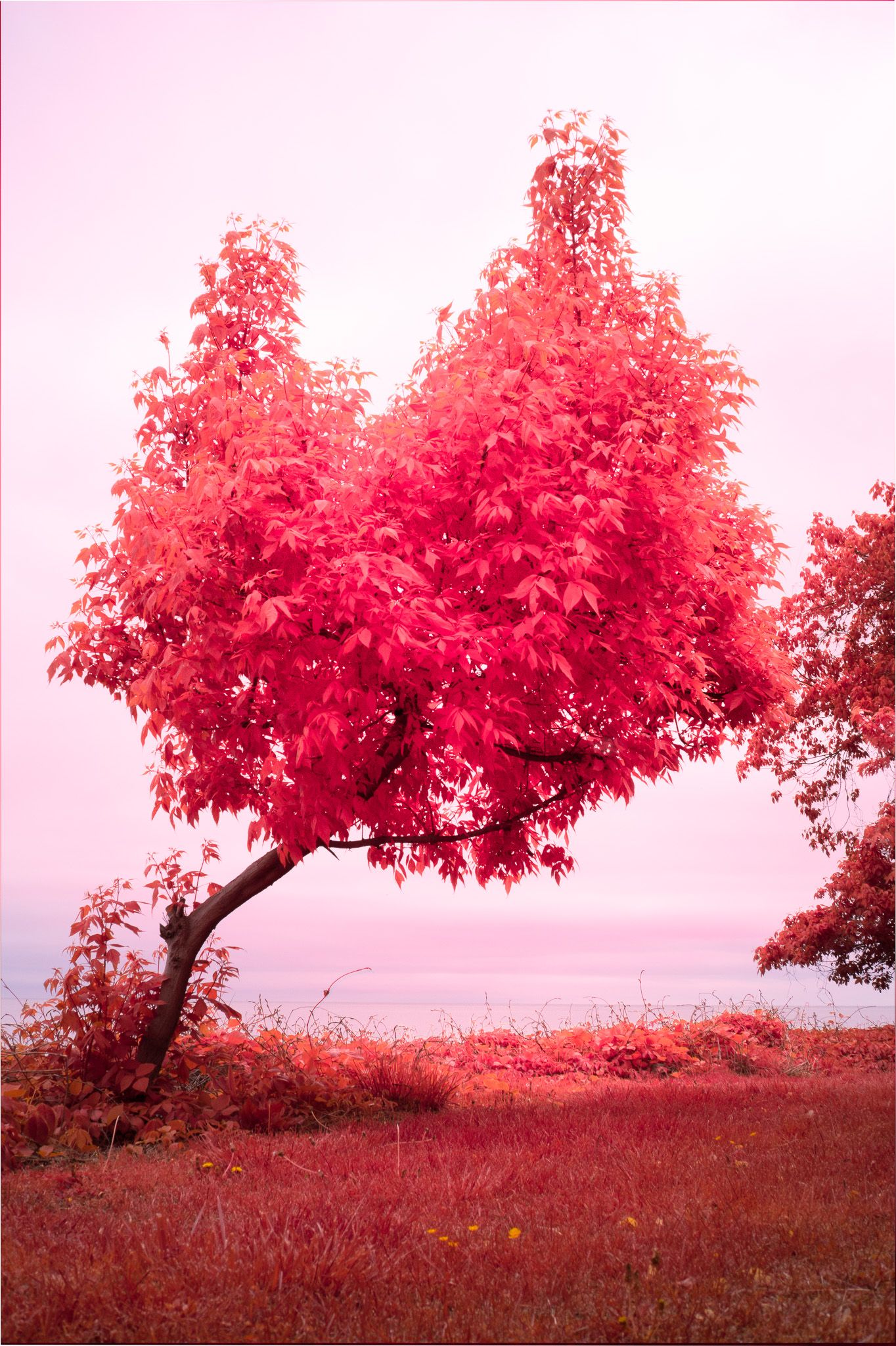
This image is made using false color.
Usual color film has 3 color layers—red, green and blue—that combine to create a final image.
Kodak Aerochrome is an infrared film stock that has completely different layers to render parts of the infrared spectrum as visible. This is how it's made:
- The green layer becomes the blue layer
- The red layer becomes the green layer
- Most strangely, a new layer, one that only records infrared light, becomes the red layer
You can still buy Aerochrome, but it is prohibitively, and I mean prohibitively expensive. So instead, I made a digital version. Because weekend.
I first made these three layers digitally, then combined them using Photoshop's color mixer to create a composite image that's Aero-riffic.
The blue and green layers are easy; they're both still in the visual spectrum, so you can just swap them out.
The IR layer requires an infrared filter: specifically one that's above 820nm. (730 and below doesn't work nearly as well, because the luminance you get from foliage is all wrong.)
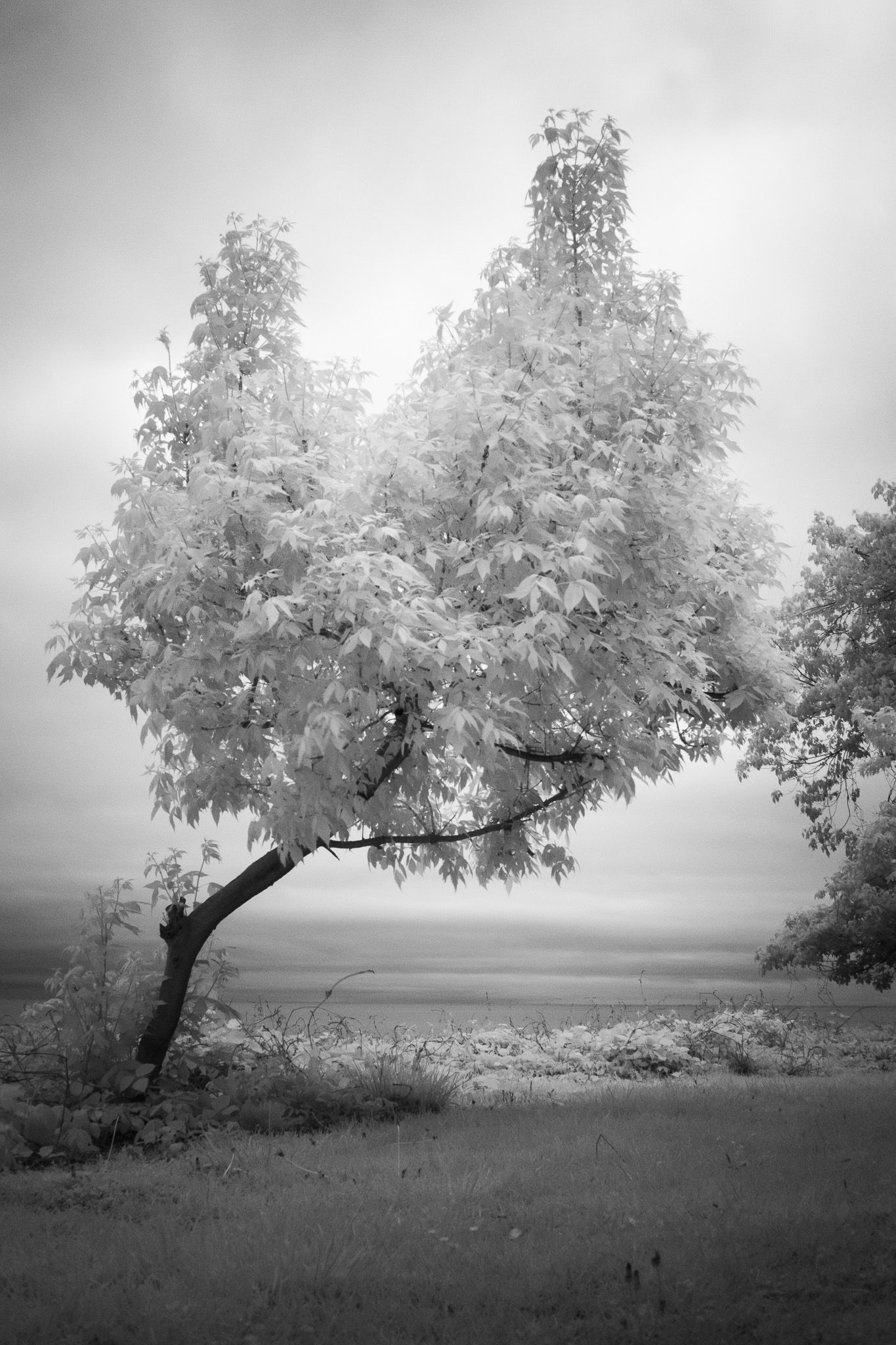
So, step one: take a photo using an IR filter. Note the brightness in the foliage. Greenery reflects a lot of IR light.
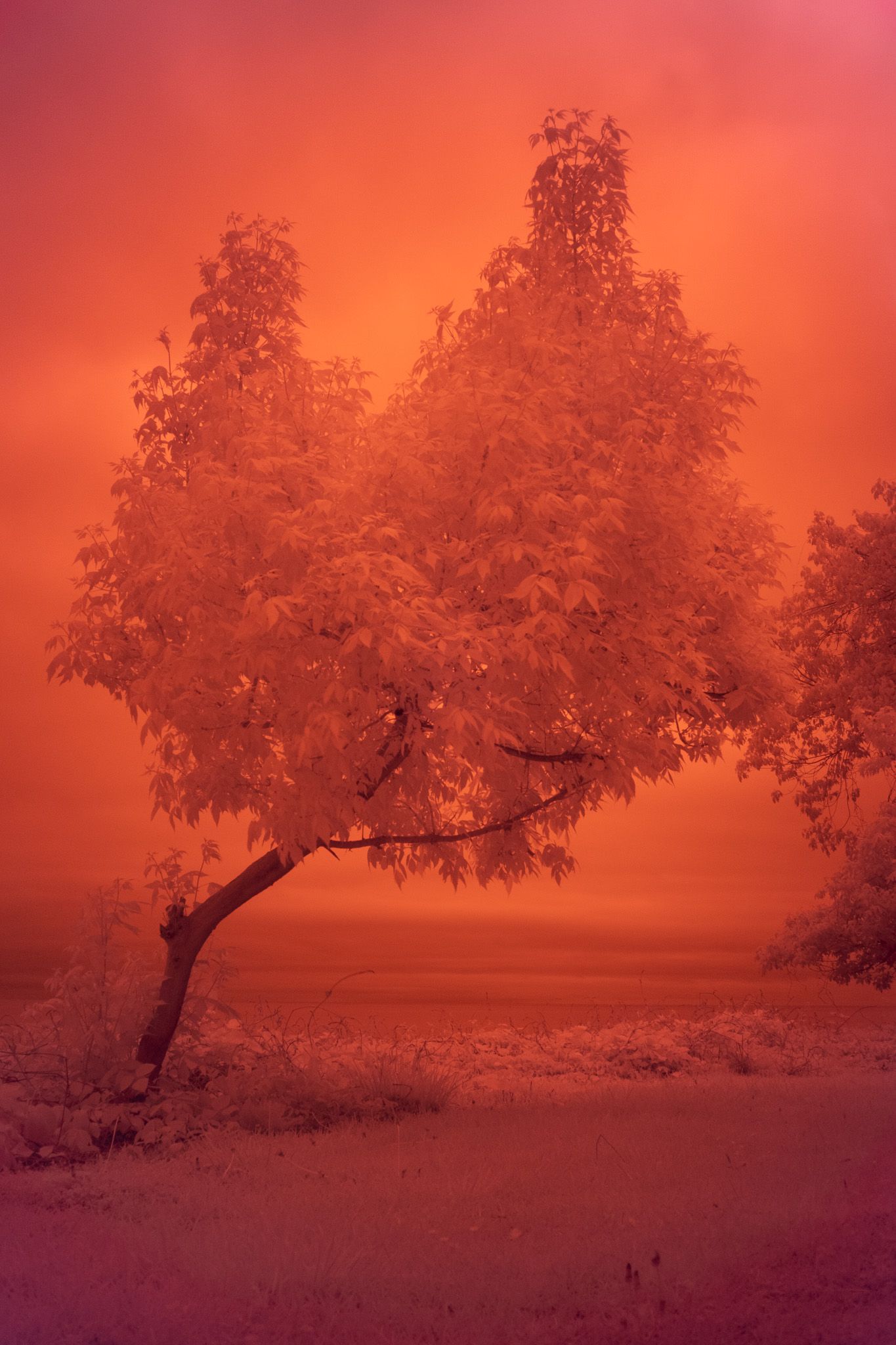
Step 2: Convert to a black and white. Because we want the information in the photo, not the colors.
Step 3: Take a regular photo:
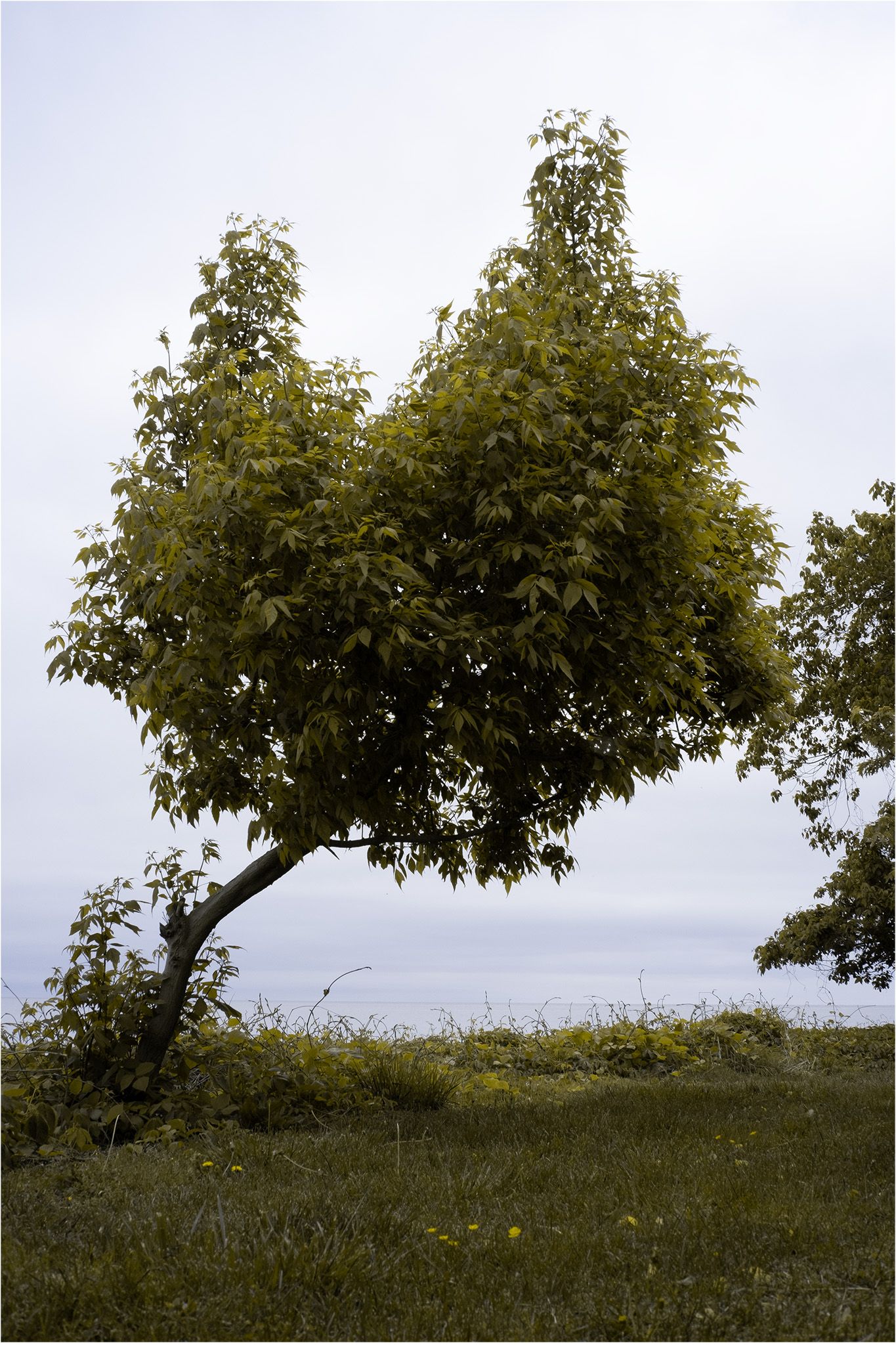
Step 4: Swap the channels using the method used to create original aerochrome:
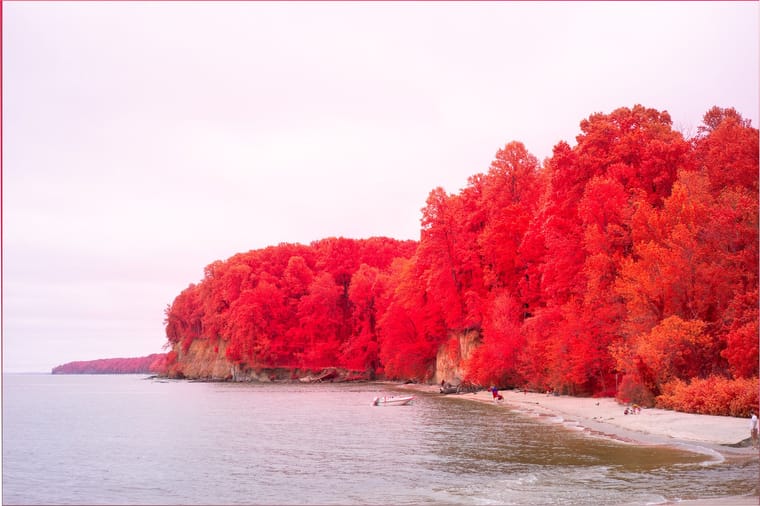
-
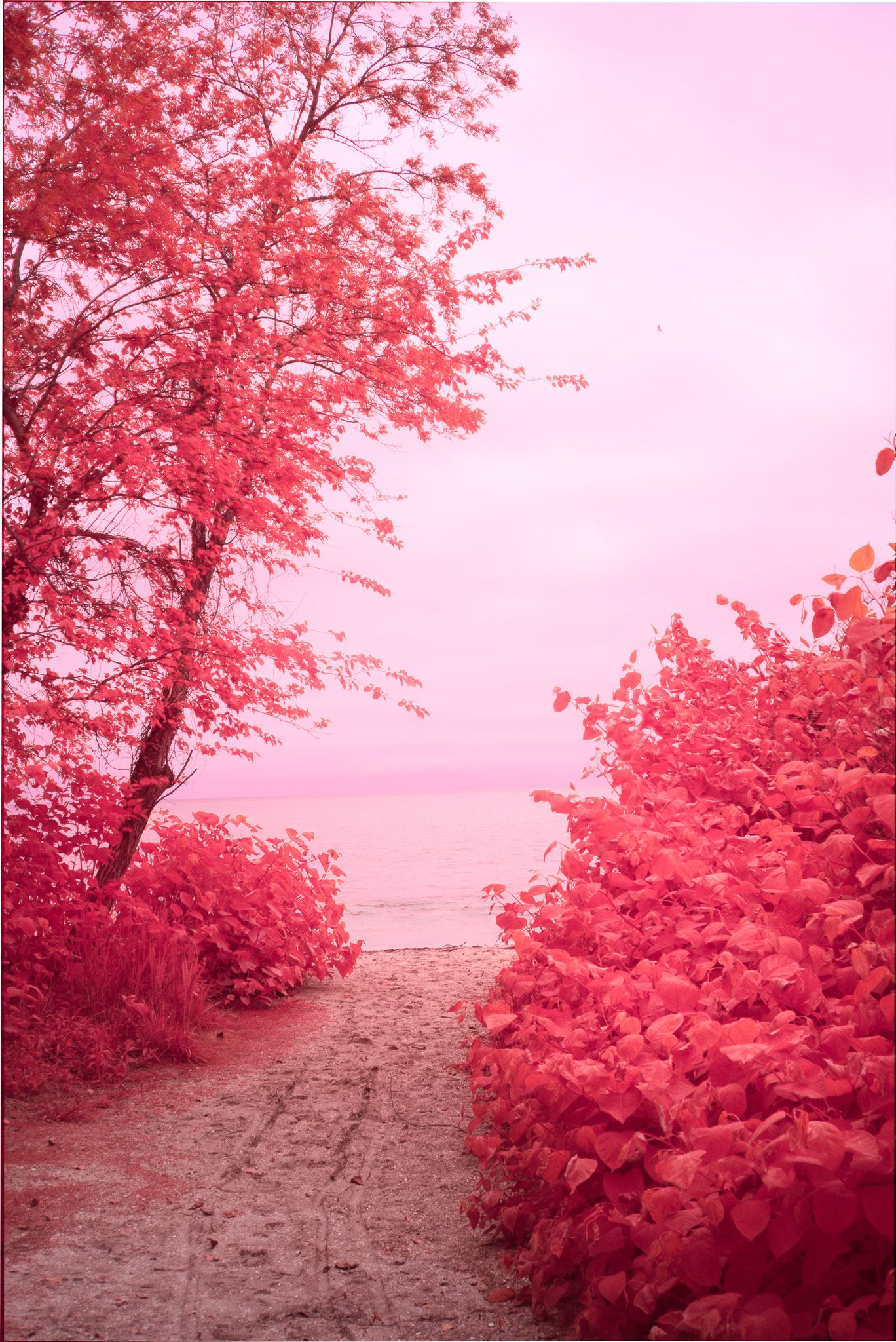
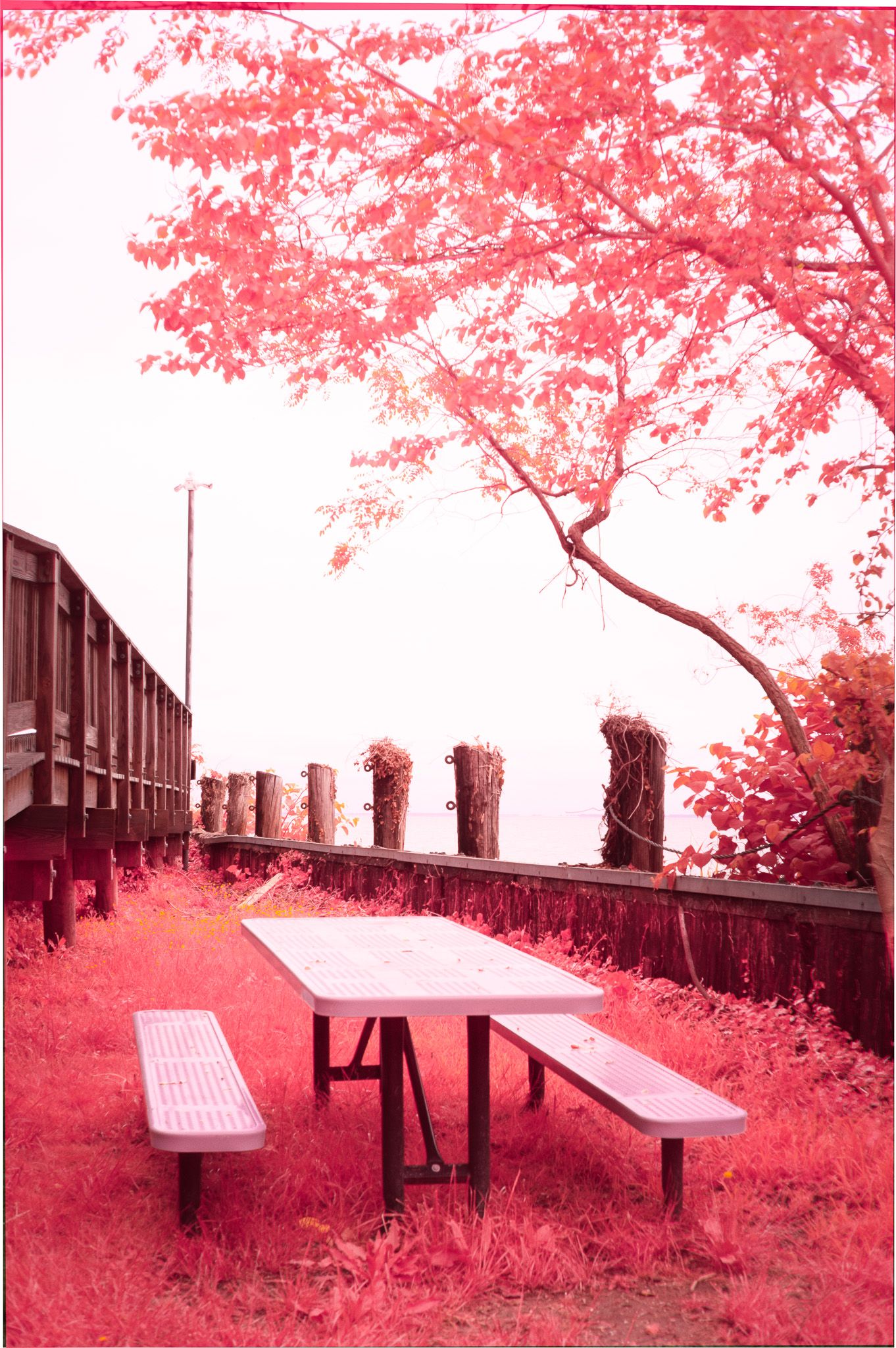
A couple more I processed.
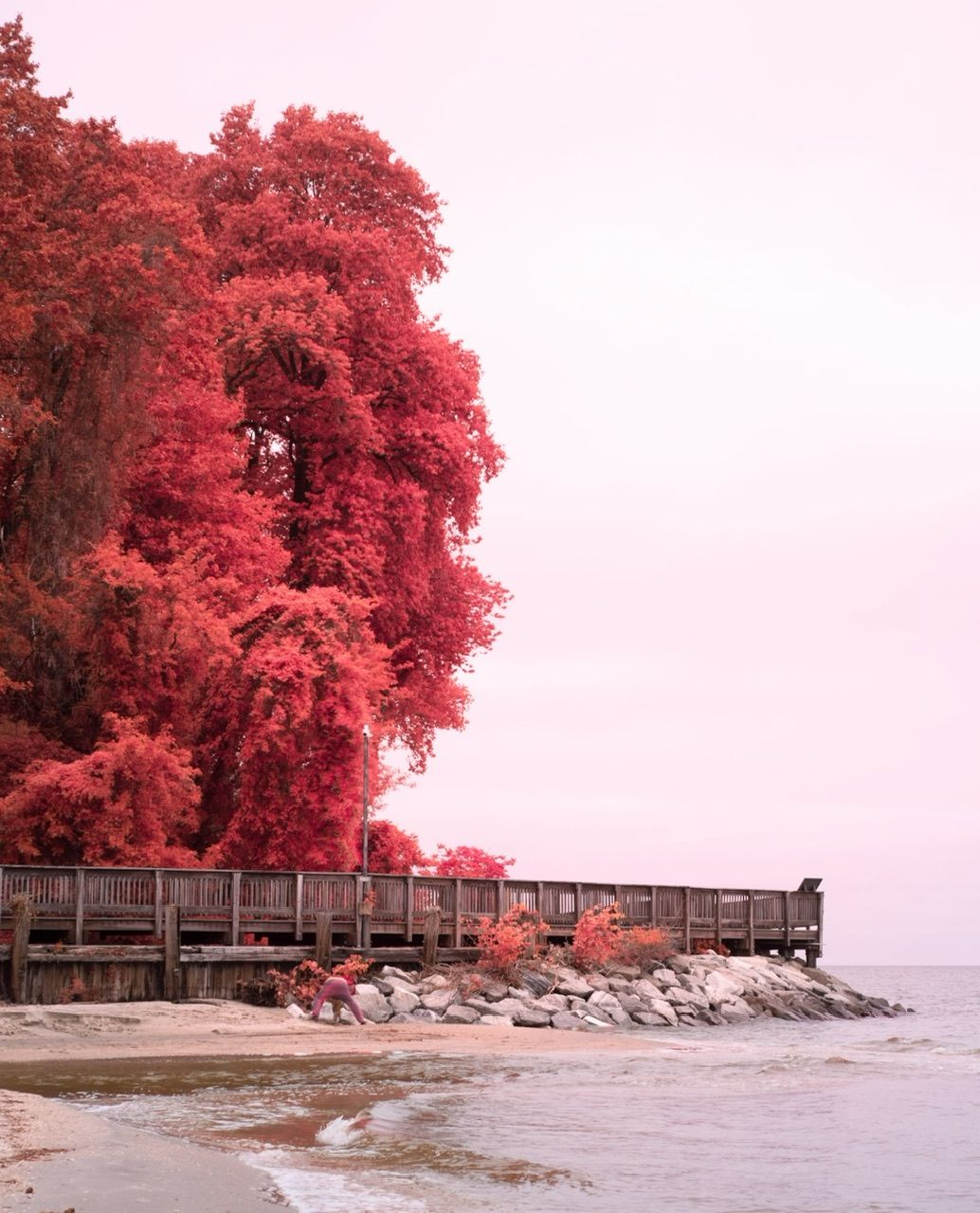
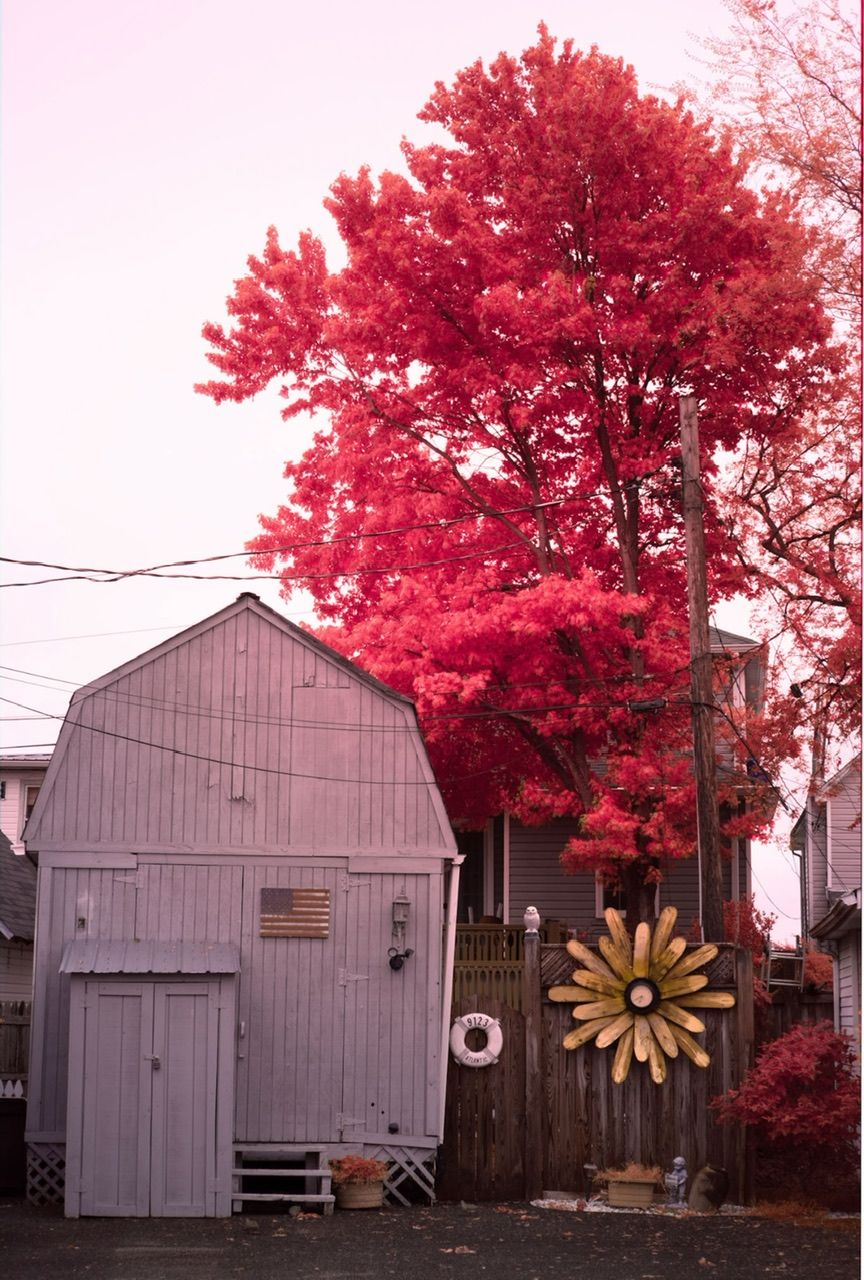
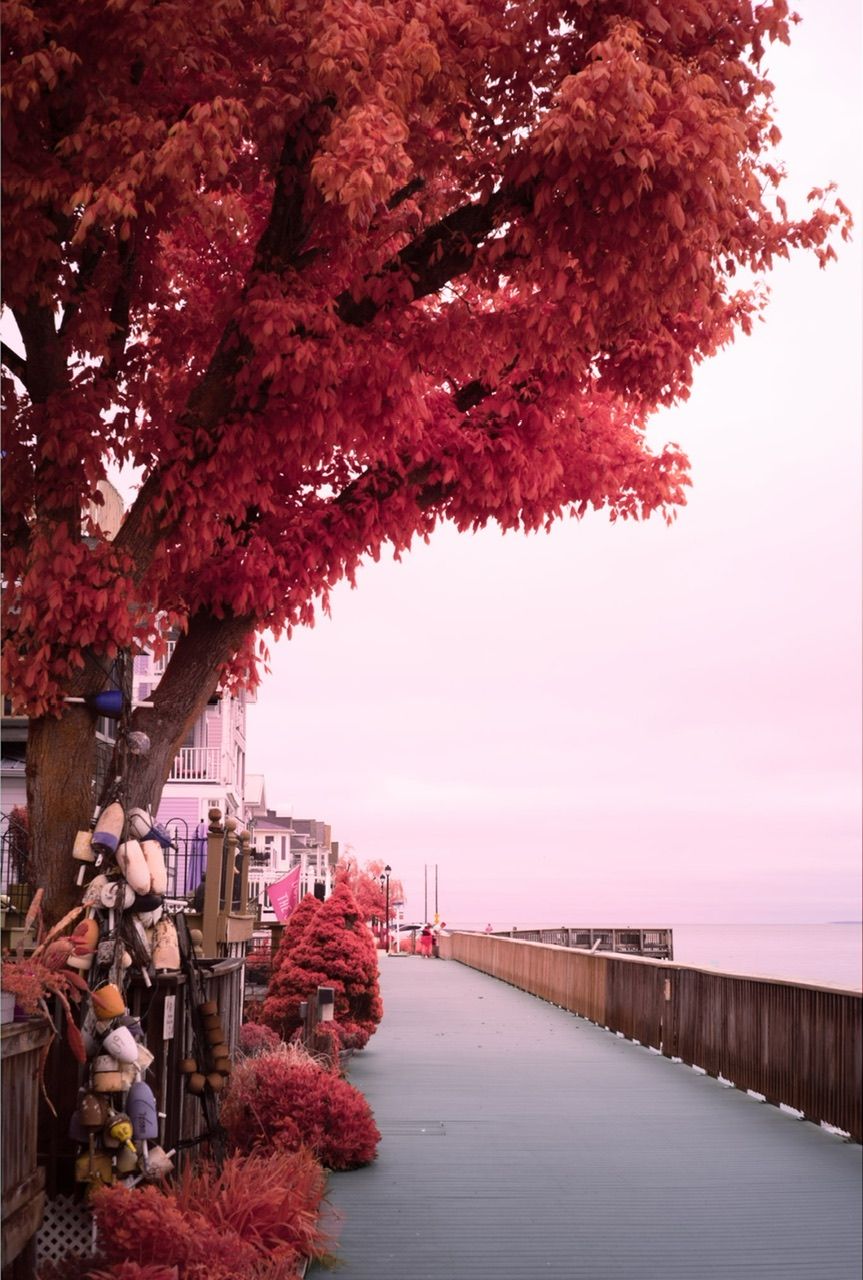
-
@Aqua-Letifer Very interesting and beautiful pictures.


Hello! It looks like you're interested in this conversation, but you don't have an account yet.
Getting fed up of having to scroll through the same posts each visit? When you register for an account, you'll always come back to exactly where you were before, and choose to be notified of new replies (either via email, or push notification). You'll also be able to save bookmarks and upvote posts to show your appreciation to other community members.
With your input, this post could be even better 💗
Register Login