Clogged up
-
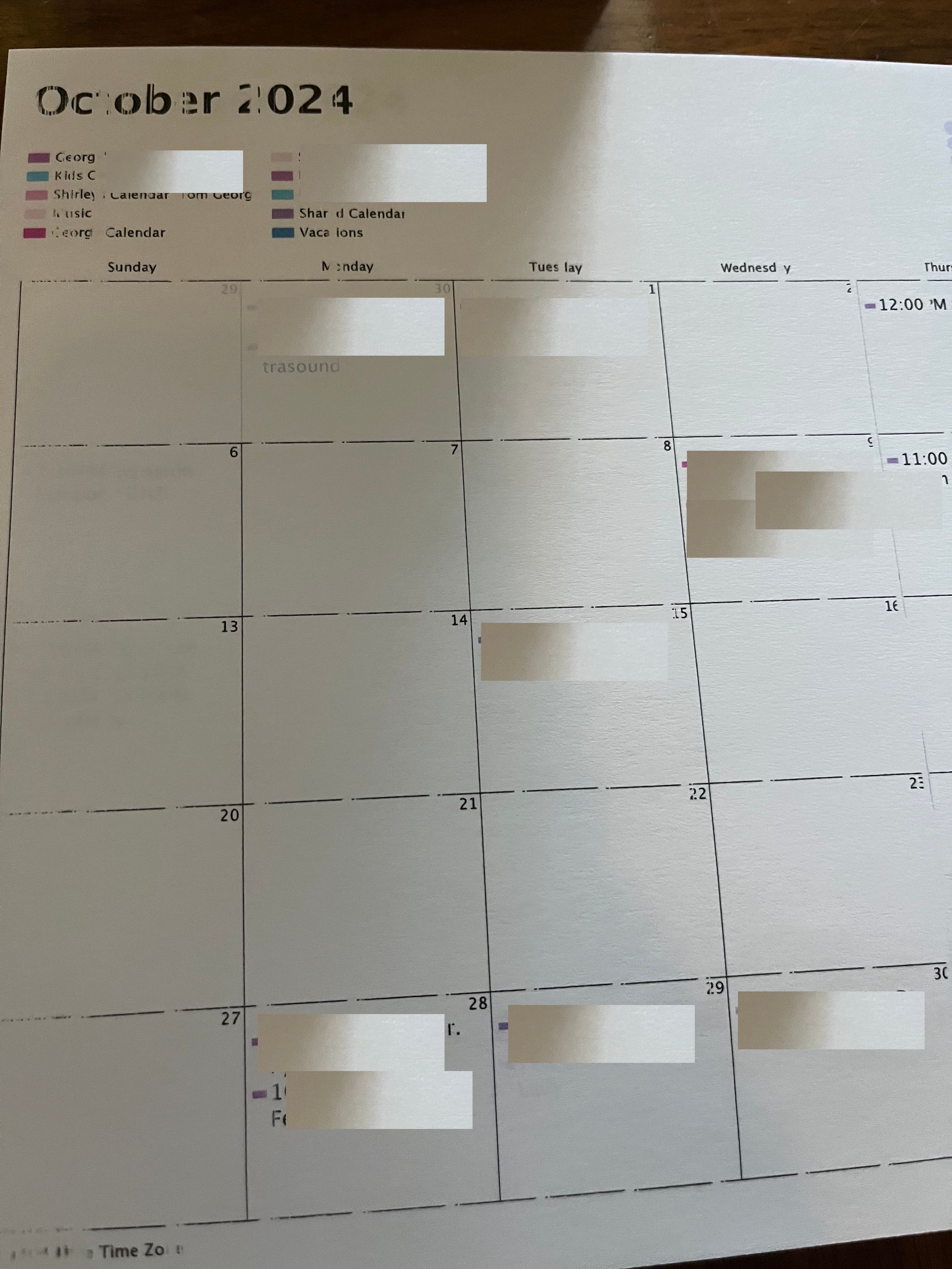
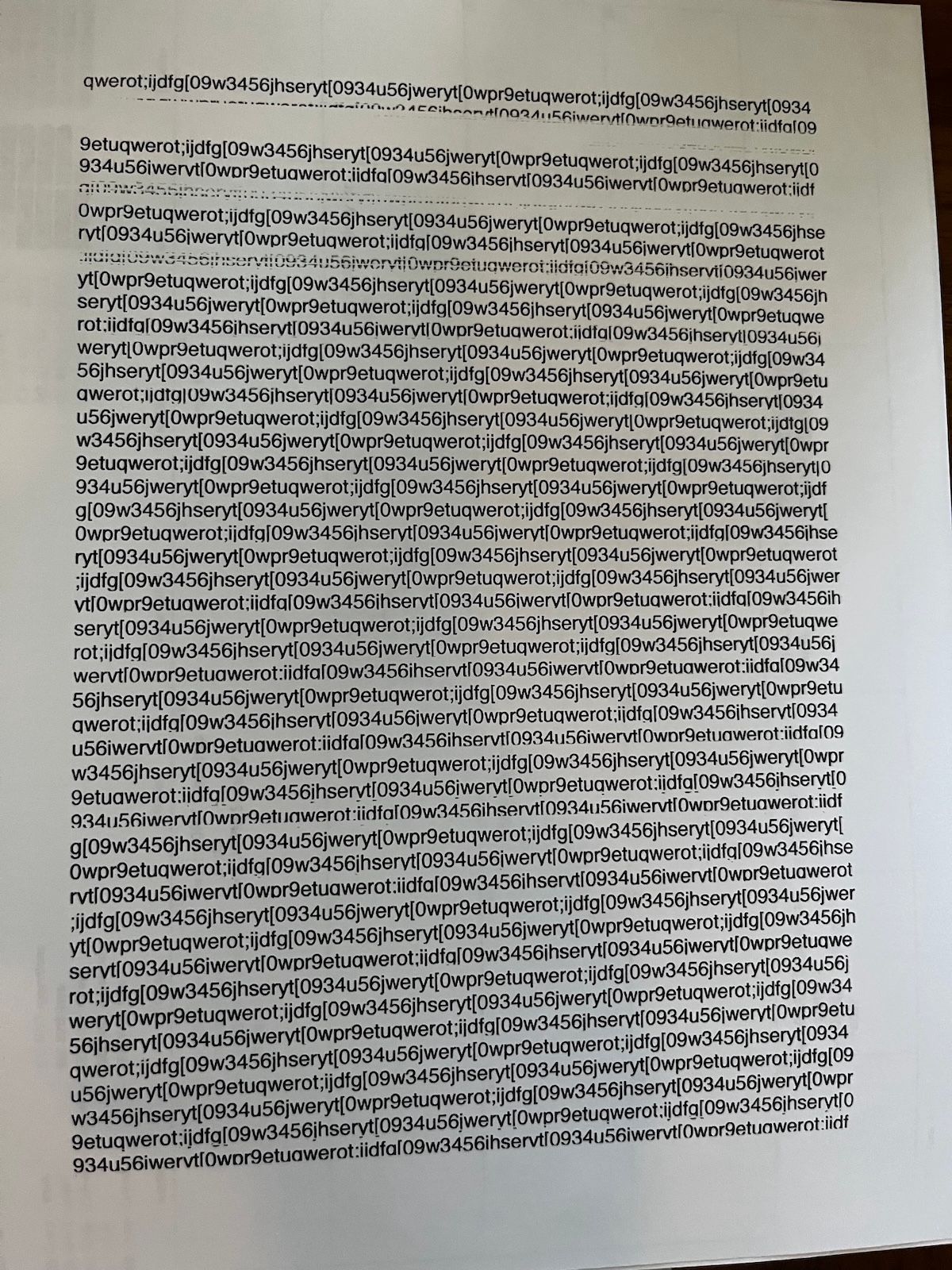
My HP Envy 7800 AIO printer was skipping black lines when printing. Print utility showed that the black cart was almost empty. I replaced it with a full (remanufactured) cartridge.
Still skipping lines.
I ran print utility and cleaned cartridges three times using the new black cartridge.
Still skipping lines.
Attached see photo of calendar that I wanted to print, as well as a page of garbage just to see what would happen.
Any thoughts?
-
-
Hand write in the missing lines? LOL
-
Should I post this in the colonoscopy thread?
Besides running another deep clean, I don't know what other options I have.
-
I see your calender is free the week of Oct 20. Should give you time to go out and get a new printer.
-
Stop messing around with inkjet.
Just get a laser printer and be done with it.
Good luck!@Axtremus said in Clogged up:
Stop messing around with inkjet.
Just get a laser printer and be done with it.
Good luck!I have a laser printer. This is the same laser printer I’ve had for at least 15 years. It is remarkably reliable and I use it for 90% of what I print.
However, at times color is nice. Also, Mrs. George likes the occasional photo.
-
I see your calender is free the week of Oct 20. Should give you time to go out and get a new printer.
@bachophile said in Clogged up:
I see your calender is free the week of Oct 20. Should give you time to go out and get a new printer.







Hello! It looks like you're interested in this conversation, but you don't have an account yet.
Getting fed up of having to scroll through the same posts each visit? When you register for an account, you'll always come back to exactly where you were before, and choose to be notified of new replies (either via email, or push notification). You'll also be able to save bookmarks and upvote posts to show your appreciation to other community members.
With your input, this post could be even better 💗
Register Login