Uh oh. Mac help please
-
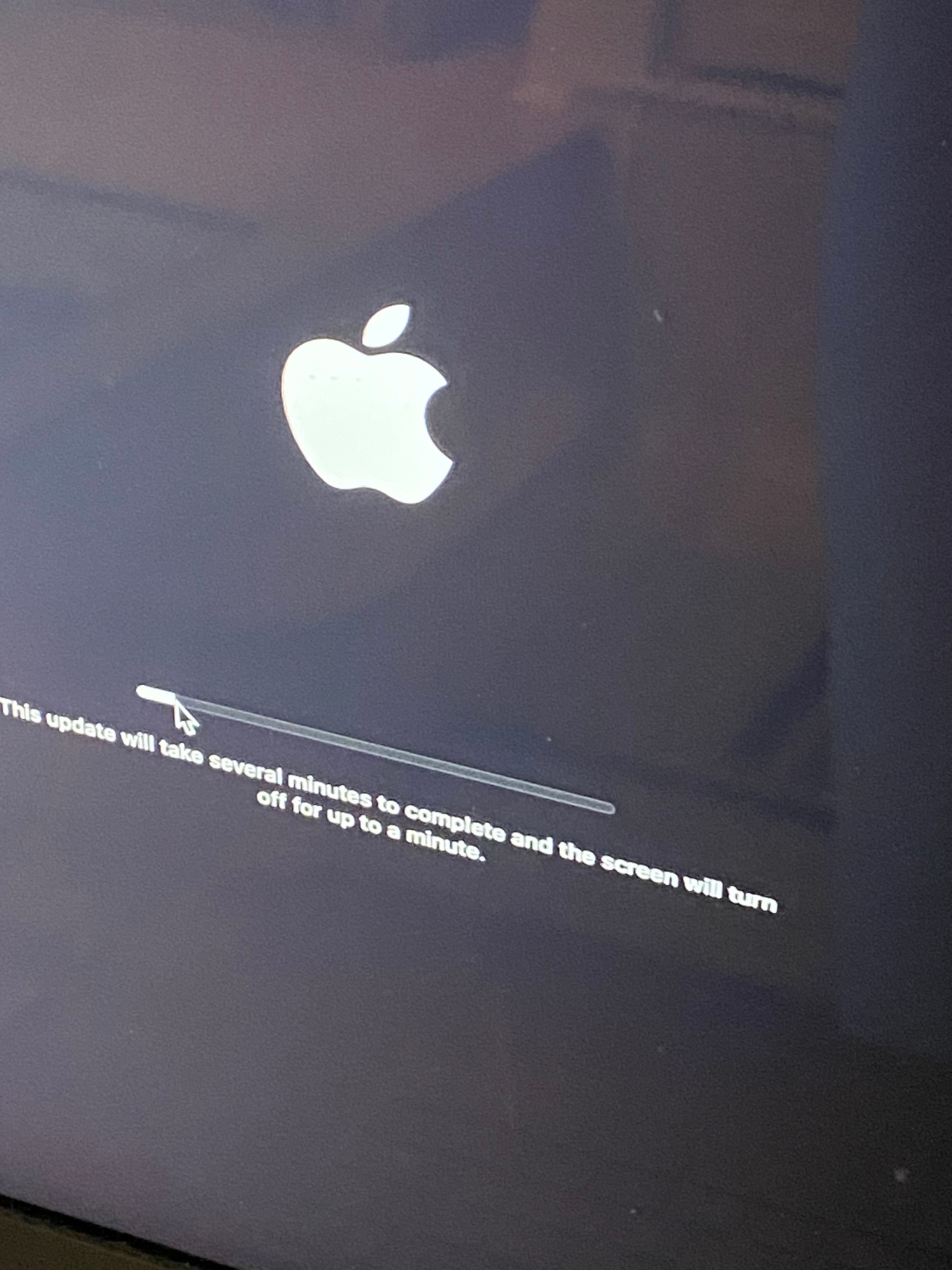
I woke up my computer maybe 15m ago and saw this:
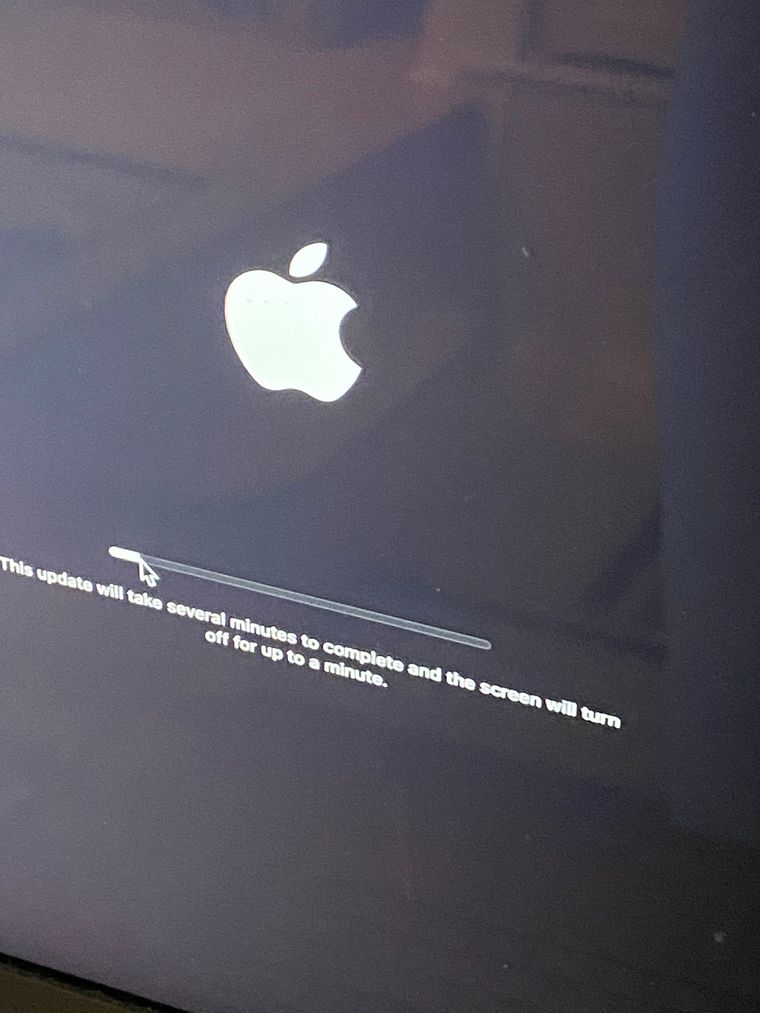
It hasn’t budged a micrometer in those 15m. Plus, these updates usually kickoff sometime in the middle of the night, don’t they?
At what point to I decide it is frozen and needs to be aborted?
Then what do I do?
Oh, and before anyone gives me the obvious advice, I bought a PC just the other day.
-
I assume you have "auto-update" enabled.
I've had mine freeze for up to an hour. Since I have good backups (including a clone that gets made every day at 2AM), I'm not afraid to force-restart it. Seems to happen once in a while.
-
I assume you have "auto-update" enabled.
I've had mine freeze for up to an hour. Since I have good backups (including a clone that gets made every day at 2AM), I'm not afraid to force-restart it. Seems to happen once in a while.
@george-k same, though I only use Time machine.
-
I did a hard reboot and it started up just fine.
When I go into software update is says there's an update it wants to do tonight.
I might kick it off manually before I go to bed.
-
I did a hard reboot and it started up just fine.
When I go into software update is says there's an update it wants to do tonight.
I might kick it off manually before I go to bed.
I think maybe 2 out of 3 updates freeze like that on my Mac
I'll give it a couple hours when it seems frozen, I have seen it un-freeze after an hour or more
Then I just power it off and back on and it recovers. I figure at some point there is no other choice





Hello! It looks like you're interested in this conversation, but you don't have an account yet.
Getting fed up of having to scroll through the same posts each visit? When you register for an account, you'll always come back to exactly where you were before, and choose to be notified of new replies (either via email, or push notification). You'll also be able to save bookmarks and upvote posts to show your appreciation to other community members.
With your input, this post could be even better 💗
Register Login